
Free CapCut Pro Text Animation Method (v8.1.1 Guide)
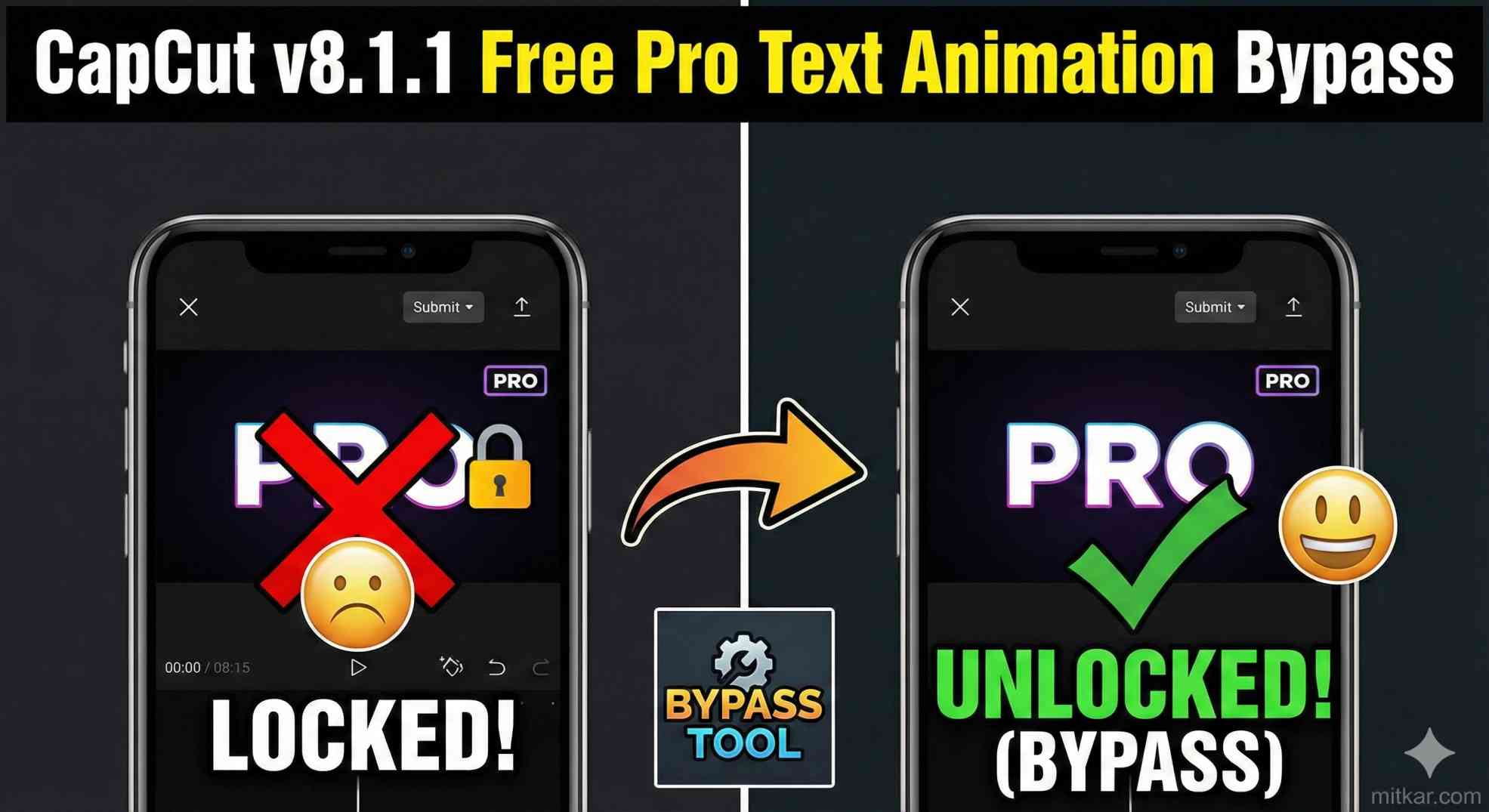
Have you recently updated your software to CapCut PC v8.1.1, only to shockingly discover that almost every single one of your absolute favorite typography presets is suddenly locked behind a mandatory monthly paywall? The frustration radiating through the video editing community is incredibly tangible right now. Over consecutive updates, the core development team has systematically converted previously free, highly dynamic 'IN' and 'OUT' loop effects directly into their premium tier subscription model. Currently, if you attempt to export a project utilizing one of these locked presets without an active membership, you are decisively met with a hard export restriction.
However, what if there was an entirely safe, integrated, and overwhelmingly creative CapCut free Pro text animation alternative that cost absolutely zero dollars? Fortunately, the underlying video rendering mathematical engine still graciously permits editors to entirely reconstruct these exact physical movements from scratch utilizing built-in foundational toolsets. You do not need external software, you do not need unauthorized third-party scripts, and you most undeniably do not need to violate any platform terms of service. Achieving incredible premium typography physics boils down simply to mastering advanced manual keyframing. It generally takes about thirty additional seconds, costs absolutely nothing forever, and visually looks utterly indistinguishable from the heavily promoted paid premium presets.
The Underlying Technical Reality: What Exactly is a 'Pro' Animation?
To efficiently replicate these movements, you first must understand what they actually are structurally. A "Pro" typography animation sequence (such as the incredibly popular 'Slide Up Fade', the 'Kinetic Elastic Bounce', or the 'Cinematic Slow Zoom') is not generated by some proprietary magical algorithm accessible exclusively to paying members.
- Pre-Packaged Macros: In fundamental software terms, these locked presets are literally nothing more than a pre-packaged macro sequence containing 2 to 4 rapid background keyframes.
- Coordinate Manipulation: These hidden keyframes deliberately modify the exact Position, overall Opacity, and visual Scale coordinates of the typography layer over a very specific micro-duration, generally ranging from 0.3 to 0.7 seconds.
- The Manual Solution: You explicitly possess the identical coordinate manipulation tools freely available right now in your basic right-hand inspector panel. By manually placing your own keyframes, you dictate the exact physics identically to the subscription macros.
The Masterclass: The Free Keyframe Replication Method
Let us technically replicate one of the absolute most utilized premium entrance sequences globally: the "Kinetic Pop-In." This specific animation creates an energetic, bouncy entrance perfect for modern TikToks, YouTube Shorts, and Instagram Reels.
- Initialize Frame Zero: Deliberately move your timeline playhead to the absolute very first frame of your newly created text layer. In your primary right-hand Inspector window, locate the 'Basic' tab. Intentionally click the small diamond icon directly next to the 'Scale', 'Position', and 'Opacity' values. They will illuminate blue, indicating that your foundational starting values are locked in.
- Establish the Invisible Origin: With those three foundational keyframes actively highlighted, drastically lower the 'Scale' slider to a complete 0%. Instantly drop the 'Opacity' entirely down to 0%. Finally, manually adjust the 'Position Y-axis' exactly 100 pixels negatively (downwards) from your desired final resting center. Your text is now completely invisible, small, and low.
- The Explosive Overshoot (Frame 5): Manually tap your keyboard's right arrow key precisely five times to meticulously move the timeline playhead exactly 5 frames forward. Alter your 'Scale' dramatically up to 115% (intentionally overshooting the 100% mark). Instantly return 'Opacity' to a solid 100%. Physically lift the 'Position Y-axis' directly back to your precise horizontal center line.
- The Restabilization (Frame 8): Deliberately tap the right arrow key exactly 3 more times, resting roughly 8 to 10 frames into the clip. Patiently return the 'Scale' slider back down to a stable baseline of 100%.
By rendering this specific combination of invisible bottom-heavy starts, explosive physical overshoots, and rapid elastic restabilizations, you have just flawlessly replicated the premium "Kinetic Bouncy Pop-In" physics universally utilized by elite editors. No embedded watermarks, absolutely zero export restrictions, and significantly more customization potential.
If you find your computer starts incredibly lagging while actively stacking these complex manual keyframe tracking sequences on 4K timelines, be absolutely sure to optimize your timeline hardware acceleration settings. You can learn precisely how to configure this by reading our highly detailed structural guide on fixing timeline lag drops in intensive video projects.
Comparison Matrix: Premium Presets vs Manual Keyframing
To practically illustrate the massive overarching benefits of adopting this manual workflow paradigm over perpetually renting preset algorithms, please evaluate the following core feature comparison.
| Core Metric Feature | Subscription Premium Presets | Manual Keyframe Alternative Method |
|---|---|---|
| Time Required to Apply | 1 Second (Instant drag-and-drop) | Roughly 15 to 30 Seconds per custom layer |
| Overall Animation Customizability | Statically Locked (Zero physics tuning available) | Absolute 100% Vector Control |
| Financial Requirement | Continuous Monthly Subscription Fees | 100% Fundamentally Free Forever |
Frequently Asked Questions (FAQs)
1. Does applying keyframes manually flag my final export?
Absolutely not. Keyframing is a foundational, explicitly approved, entirely free toolset universally included within the basic editor tier specifically intended for manual position tracking manipulation. It is fully compliant and actively encouraged.
2. Can I save my newly created keyframe animation as a custom preset?
Technically, the basic tier does not currently explicitly allow saving full multi-variable keyframe sequences as an encapsulated permanent button. However, the universally adopted workflow is to create the perfect sequence once, and fundamentally utilize the 'Copy and Paste Attributes' shortcut across all subsequent typography layers seamlessly.
3. Will my manual animations look exactly as smooth as the paid versions?
Yes. Mathematical graphic movement is inherently objective. If you correctly map the scale percentages incrementally across your chosen frames, the visual presentation displayed across a 60FPS digital sequence is biologically indistinguishable from the locked algorithms.
4. Are there any specific text tracking effects that physically cannot be keyframed?
The only explicit exceptions involve proprietary AI-generated generative fills or uniquely processed algorithmic 3D-mesh deformations (like actual metallic lighting reflection glints). However, 98% of standard dimensional typography motion tracking relies exclusively on standard X/Y/Scale geometric movement parameters, which are undeniably replicable manually.
5. Is mastering keyframing important beyond text editing?
Crucially so. Comprehending multi-point spatial keyframing is fundamentally the single most paramount skill a modern video editor can develop. For a deeper understanding of overarching industry standards regarding animation and spatial editing foundations, Wikipedia's comprehensive breakdown of algorithmic Keyframing serves as a phenomenal learning resource.
Final Conclusion
The increasing monetization barricading standard digital editing features does not necessitate mandatory spending. By profoundly recognizing that premium typography presets are functionally nothing more than rapid, microscopic spatial attribute changes mapped over an incredibly tight timeline, you permanently eliminate reliance on proprietary algorithms.
Embracing manual keyframe manipulation does vastly more than just provide a free CapCut text animation alternative; it inherently forces you to critically evolve from being an amateur software dependent into a highly capable, technically proficient master of visual composition physics.