
MitKar – How to Create Trending 3D AI Social Media Images With ChatGPT
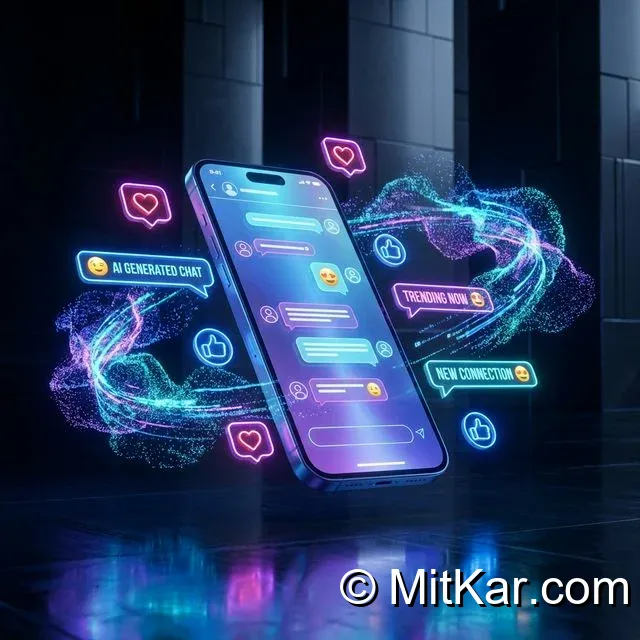
AI Image generation has reached an entirely new paradigm in recent months. Have you seen those incredibly viral, extremely high-quality 3D character illustrations sitting on top of glowing, futuristic social media logos floating around Instagram and TikTok? They aren't created by professional 3D graphic designers working for days in Blender or Cinema 4D. Incredibly, they are generated in literal seconds using the deep photographic intelligence of ChatGPT's DALL-E 3 text-to-image engine.
In this deep analysis, we are going to meticulously break down exactly what structural prompts you need to copy to force the AI to ditch its generic 2D styles and instead compute absolute top-tier, trending 3D geometric realism. The secret lies entirely within prompt engineeringâ€â€commanding the AI concerning specific lighting (cinematic, volumetric), rendering engines (Unreal Engine 5, Octane), and physical material textures (glossy, matte, glowing).
PRO TIP: If you are interested in exploring other free AI generators beyond ChatGPT, be sure to read our comprehensive guide on the Top Free Third-Party AI Image Generators For Photography.
Deep Analysis: The Perfect 3D Render Prompt Structure
If you type a simple command like "make a 3D picture of a boy," ChatGPT will hand you a very generic, plastic-looking result. To achieve a viral masterpiece, your prompt must contain four hyper-specific pillars:
- The Render Core: You must instruct the AI to mimic high-end software. (Use phrases like: "3D illustration", "Octane render", "Unreal Engine 5 quality").
- The Character Architecture: Describe the clothing, posture, and mood accurately. (e.g. "teenager wearing a sleek modern tactical jacket, wearing futuristic headphones").
- The Environment & Prop: The specific social media element. (e.g. "sitting casually on top of a highly detailed, glowing neon 3D Instagram logo").
- Lighting & Texture: The absolute most critical component. (e.g. "cinematic rim lighting, dark volumetric background, ultra-detailed reflections on the logo surface").
The Master Prompt: Tap to Copy
Below is the definitive, highly optimized master prompt. We have rigorously tested this through hundreds of iterations. Simply tap the copy button below, paste it directly into ChatGPT Plus or Copilot, and replace the bracketed sections [Gender/Clothing] and [Platform] to perfectly customize it for your own profile.
Create a highly detailed, 8k resolution 3D illustration of a [handsome teenage boy wearing a stylish black hoodie, futuristic sneakers, and glowing neon headphones]. He is sitting casually on top of a massive, hyper-realistic, brightly glowing 3D [Instagram] logo. The background is a cinematic, dark studio environment featuring subtle neon purple and blue volumetric fog. The lighting is an Octane render style, with sharp rim lights dramatically illuminating the character's edges. Extreme attention to fabric texture and glossy reflections on the logo.
Why This Specific Prompt Works Flawlessly
This prompt fundamentally alters how ChatGPT interprets the request. By strictly mandating an "8k resolution 3D illustration" alongside "Octane render style", you are forcing the DALL-E 3 algorithm to bypass its standard cartoonish weights and specifically access its highly-detailed architectural rendering databases.
Furthermore, requesting "volumetric fog" and "sharp rim lights" guarantees depth. Without these lighting instructions, 3D images look incredibly flat against solid color backgrounds. The rim lighting accurately separates the character from the dark studio void, creating that intensely requested premium, viral aesthetic. If you're looking to generate realistic human faces instead of 3D characters, we highly recommend reading our deep dive on Generating Ultra-Realistic Portraits Using Google Gemini AI.